I ran a test with Artistly AI related to character description.
As a prompt, I gave The Hollies lyric “Long Cool Woman in a Black Dress.”
The prompt enhancer feature turned that into:
“Create a captivating image of a tall, confident woman in her mid-30s, exuding a sense of effortless coolness, standing in a dimly lit, smoky nightclub. She’s wearing a sleek, floor-length black evening gown with a fitted bodice, a subtle sweetheart neckline, and a flowing, pleated skirt that falls just above her knees. The dress is a deep, rich black color that seems to absorb the light around her, making her skin glow with a warm, golden undertone. Her long, dark hair cascades down her back like a waterfall of night, with a few loose strands framing her heart-shaped face and accentuating her piercing green eyes, which sparkle with a hint of mischief. She’s leaning against a polished wooden bar, one hand resting on the edge of the counter as she gazes out at the crowd with a look of quiet superiority, her full lips curled into a subtle, enigmatic smile. The atmosphere around her is one of sophistication and glamour, with the soft glow of candles and the hum of conversation providing a sultry backdrop to her poised, elegant presence. Incorporate subtle, nuanced textures and lighting effects to capture the essence of a bygone era, with a dash of modern, edgy flair.”
Ironically, its enhanced description triggered its own NSFW filter. I took out a few potential suspects; first bodice, then smokey, but sultry was the offensive word. So, ladies no being sultry in public!! However, this does highlight that I can edit the enhanced prompt before generating the image.

This will be helpful to generate baselines as I need to create descriptions for 700 different characters. It saves me from trying to describe characters from tables of descriptive attributes (based upon statistical data so as avoid an overrepresentation of gingers) using a random number generator or dice. My other AI alternative is to ask Copilot to describe the appearance of a famous person like an actor, which has the advantage to potentially triggering connections in a reader’s mind to fill in details automatically. However, I will likely use both together.
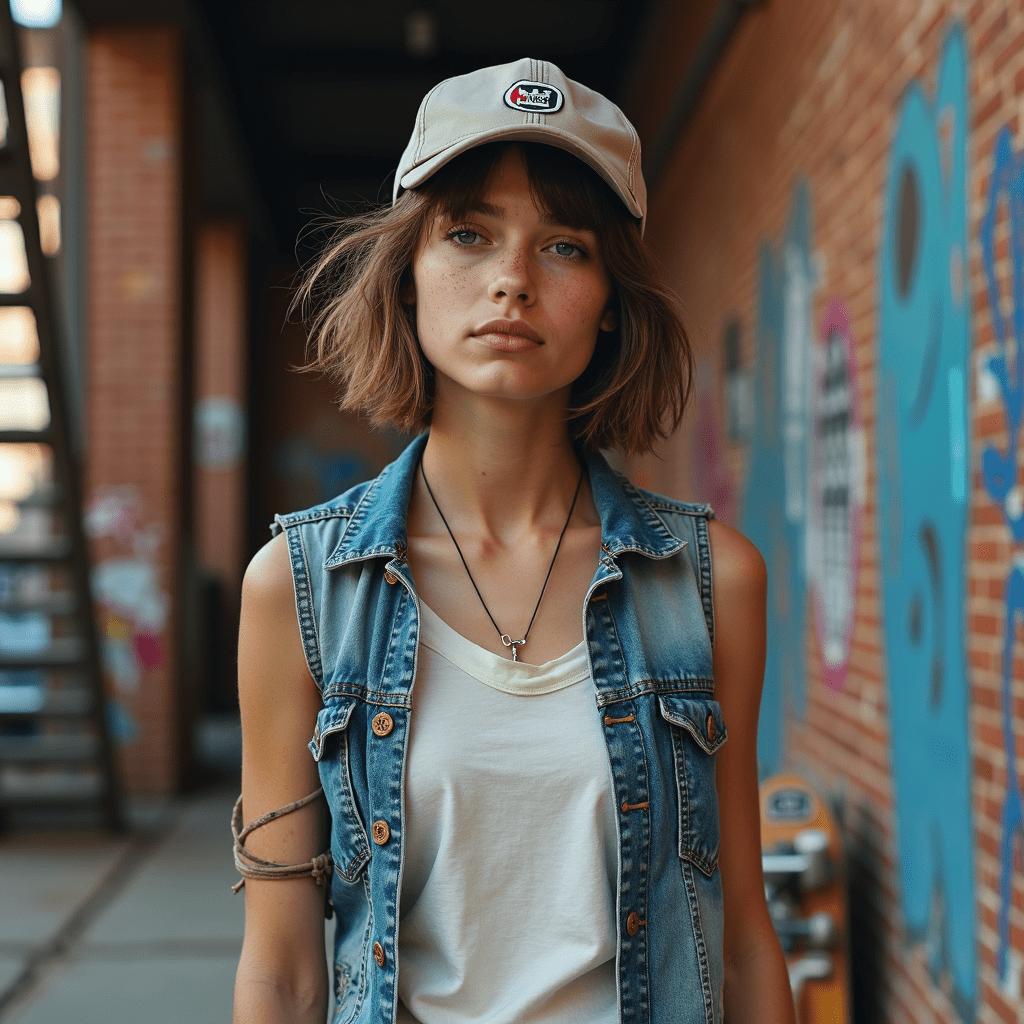
Using the above image as a baseline, I could now use the constant character feature in Artistly to create visualizations of different scenarios. When playing, I did take my image of The Butcher with eye patch and bloodied face to generate a picture of him doing ballet.
I like starting with an image as I can pick up details with my own eyes that were not in the prompt.
A few of the unprompted things I notice in the image:
* the drapery, cuz Lee Sanstead
* hand veins
* runner’s body
* malnourished look of a vegetarian or vegan
* the undefeated wall – the made-up face contrasted with the neck; so, she is trying to hide her aging
* no ring
* [redacted but it is kinda obvious]

 Jaycee Woods
Leave a comment